
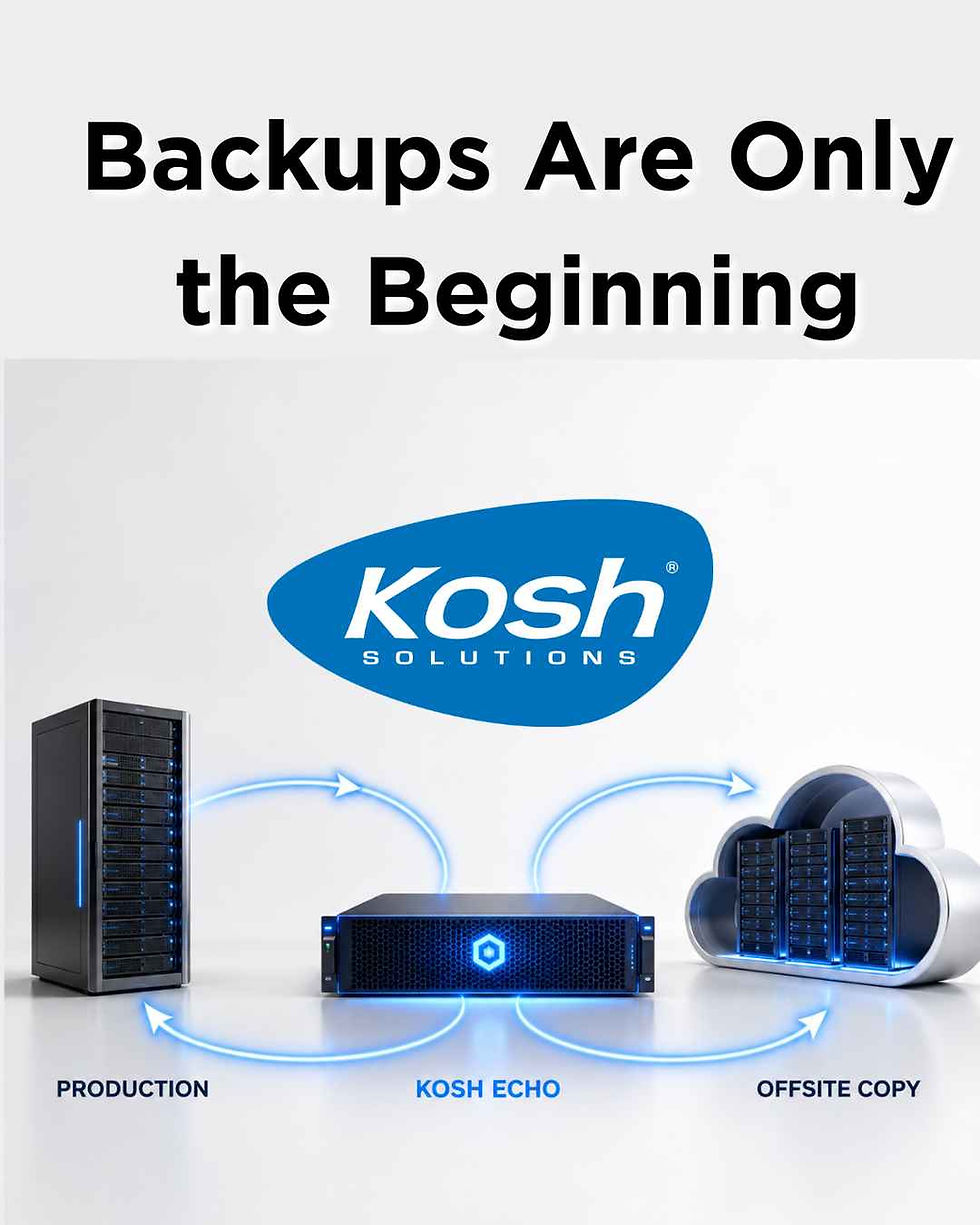
Kosh Echo: Backups Are Only the Beginning

Most business leaders know their organization needs backups. The harder question is whether those backups provide the kind of recovery the business actually expects.
Customers often ask us what separates Kosh Echo from a NAS, external drive, cloud storage, or another basic backup solution. It is a reasonable question because all these products may be described using the same word: “backup.”
But backup architecture contains much more nuance than that.
Kosh Echo is designed not only to preserve data, but to provide a faster and more practical path back to working business systems.
Backup and recovery are not the same thing
A backup is a protected copy of data or systems that can be restored later.
Recovery is the process of using those copies to get the business running again.
That distinction matters because a company may successfully back up its files and still face significant downtime after a server failure. The business may need to:
Repair or replace the failed hardware
Reinstall and configure the server
Restore applications and databases
Recreate permissions and system settings
Test the restored environment before employees reconnect
The data may be safe while employees remain unable to use it.
For Kosh, a properly designed backup architecture must therefore answer two questions:
How much data could we lose?
How long would it take to resume operations?
These are sometimes called the recovery point objective (RPO) and recovery time objective (RTO) - gotta love all those acronyms! Business leaders do not need to master those terms, but they should understand the tradeoffs behind them.
Kosh’s preferred backup architecture
Kosh generally recommends a layered architecture rather than relying on one backup in one location.
Recovery layer | Role |
Local Kosh Echo server | Maintains complete server backups close to the production environment for faster recovery |
Remote Azure repository | Preserves an offsite copy if the local environment is damaged or compromised |
Azure archive storage | Supports longer retention when the organization needs to recover older information |
Veeam manages the backup jobs and restore points across these layers.
Each layer addresses a different risk.
Local backups support speed.
Offsite backups protect against incidents affecting the customer’s location.
Archive storage extends how far back the organization may be able to recover.
This is why “We have a backup” is not a complete description of a recovery strategy.
What makes Kosh Echo different?
Kosh Echo is not simply an expensive NAS or a large storage device. It combines appropriately sized server hardware, Veeam backup and recovery technology, local storage, offsite protection, and ongoing management by Kosh.
It protects complete server environments
Kosh normally backs up virtual servers at the host level rather than copying only selected files.
A complete server backup can include the operating system, applications, databases, permissions, configurations, and business data. This provides a much stronger recovery foundation than rebuilding a server and restoring individual files afterward.
It supports faster local recovery
When current backups are available locally, Kosh may not need to download an entire server environment from the cloud before recovery can begin.
For a large server, that difference can be significant. Internet bandwidth, data volume, and the complexity of the environment can turn a cloud-only recovery into a lengthy process.
It can provide temporary recovery infrastructure
Echo contains real computing resources—not merely storage capacity.
When appropriately sized and configured, the Echo hardware may be able to temporarily run critical virtual servers while the primary production server is repaired or replaced. This is generally a warm recovery architecture: the secondary environment is not running every workload continuously, but it can be brought online more quickly than rebuilding everything from the beginning.
Echo does not automatically create instant or seamless failover in every situation. Recovery time still depends on what failed, the size of the environment, available Echo capacity, network performance, and the organization’s recovery priorities.
Nevertheless, it changes the central question from:
“Did our data survive?”
to:
“How quickly can our employees use the systems again?”
Why the hardware matters
A basic NAS primarily stores data. Echo may be asked to do considerably more.
During a recovery, it may need to store complete server images, process restoration work, and temporarily support critical virtual machines. That requires appropriate:
Processing power
Memory
Storage capacity and performance
Backup and recovery software
Configuration, monitoring, and management
Comparing Echo only to the cost of storage misses the capability that more robust hardware provides during an actual outage.
Backup copies still need to be managed
Breaking news here, backup jobs can fail! A required server can be excluded. Storage can fill up. A recovery point can expire before anyone realizes older information is needed. Basically, things change and things happen that make backups far from a set it and forget it activity!
Kosh actively monitors and audits the Echo architecture. This includes verifying that local and remote backups are completing, required virtual machines are included, repository capacity is appropriate, and nonstandard configurations are documented.
Retention is also important. If an organization keeps only seven days of restore points, a file deleted 30 days ago may no longer be recoverable. Longer-term archive storage can address that need, but it must be designed into the solution.
The same principle applies to Microsoft 365. Cloud availability is not automatically the same as having a backup strategy for email, OneDrive, and SharePoint data.
The question every organization should answer
It is easy to say, “We have backups.”
A better question is:
If our main server failed today, what would it take to get our employees working again—and how confident are we in that plan?
Kosh Echo is our preferred architecture for organizations that depend on local servers and cannot comfortably wait through a prolonged rebuild. It brings together complete server backups, fast local recovery, separate offsite protection, optional longer-term retention, and recovery hardware capable of supporting critical workloads when properly configured.
That is the difference between merely possessing a copy and having a practical path back to business.
We recommend every organization conduct a tabletop exercise to help develop a Disaster Recovery Plan.
Recovery capabilities, available restore points, and recovery timing depend on the customer’s environment, retention policy, system size, Echo configuration, network performance, and documented recovery priorities.
Disclaimer
The information contained in this communication is intended for limited use for informational purposes only. It is not considered professional advice, and instead, is general information that may or may not apply to specific situations. Each case is unique and should be evaluated on its own by a professional qualified to provide advice specifically intended to protect your individual situation. Kosh is not liable for improper use of this information.


Comments