
Why Are Phishing Emails Still Getting Through—and What Should You Actually Do With Them?

Kosh has seen a noticeable increase in phishing emails impersonating services businesses use every day: Microsoft Teams, DocuSign, QuickBooks, eFax, HR departments, and other familiar sources.
Several have reached our own staff recently - see below:

One appeared to be an HR wage-adjustment document delivered through Microsoft Teams. Another looked like an eFax notification. A third copied DocuSign branding and appeared to come from QuickBooks.
These were not the stereotypical phishing emails filled with spelling mistakes and strange formatting. They looked like normal business communications.
That raises a fair question we hear from customers:
If my company has email security in place, why are phishing emails still getting through? And when one does, what should an employee actually do?
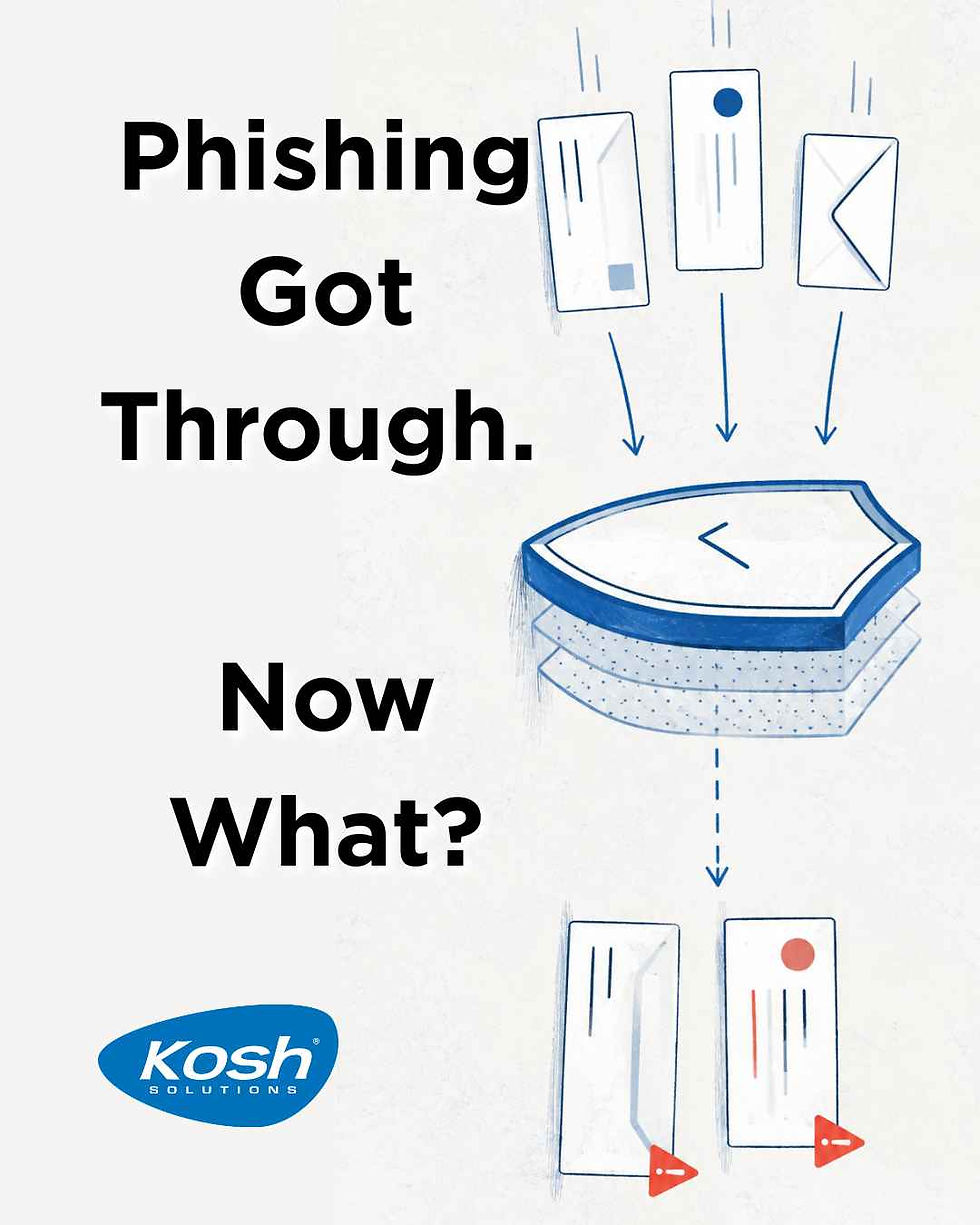
The Problem: Attackers Are Hiding Inside Normal Business Activity
Phishing works best when it resembles something you already do.
Employees regularly receive electronic signatures, invoices, shared documents, Microsoft notifications, HR messages, voicemail alerts, and password requests. Attackers know this and increasingly imitate those exact workflows.
Generative AI has made that easier. Attackers can now produce polished, convincing messages at greater speed and scale. Good grammar, professional formatting, and a recognizable logo are no longer meaningful signs that an email is legitimate.
That creates a difficult problem for email security.
Kosh could theoretically make filtering extremely restrictive. But blocking everything that looks remotely unusual would also block real contracts, invoices, customer messages, job applications, vendor communications, and shared files.
Email security is therefore a balancing act: stop as much malicious email as possible without making legitimate email unusable.
Kosh and the security platforms we manage continuously evaluate senders, links, attachments, authentication, reputation, and other signals. Those systems catch an enormous amount before it reaches a user.
But no system can perfectly answer the most important contextual question:
Were you actually expecting this email?
That is where the person receiving the email still matters.
The Best Phishing Test Is Often Very Simple
Before clicking a link, signing a document, or opening an unexpected attachment, ask:
Was I expecting this message or request?
An unexpected DocuSign notification is not automatically fraudulent. But it should not be trusted simply because it looks like DocuSign.
The same applies to a QuickBooks invoice, Microsoft file share, HR notice, or eFax.
A few things should make you slow down:
The request appeared without any previous conversation or context.
The sender's actual email address does not match the organization being represented.
The email creates urgency around payroll, money, passwords, contracts, or account access.
It asks you to sign in before you can even understand what the request is.
Outlook warns you that the sender cannot be verified.
Something about the request simply does not fit the situation.
For a sensitive request, verification is usually easy. Send the supposed sender a new Teams message. Call a number you already know. Open the company's website yourself rather than using the email link.
One important rule: do not verify a suspicious email using the phone number or contact information provided inside that same email.
Spam and Phishing Are Different
This distinction also matters when deciding how to report a message.
Spam or junk is generally unwanted bulk email: advertising, promotions, solicitations, and other messages you did not request.
Phishing is deliberately trying to trick you into doing something dangerous—entering credentials, opening malware, approving a payment, exposing information, or giving someone access to your account.
The concern Kosh is seeing right now is not simply more unwanted email. It is more convincing phishing disguised as routine business communication.
Which Outlook Button Should You Use?
This is an area where our own team identified some confusion, and it is worth clearing up.
Use Outlook's Report Button for Real Suspicious Email
Outlook provides a Report option that allows you to classify a message as Phishing or Junk.

If it is simply unwanted marketing or bulk email, report it as junk.
If the message appears to be impersonating someone, stealing credentials, delivering malware, or otherwise tricking you, report it as phishing.
Those reports provide Microsoft—and, depending on how your environment is configured, your security administrators—with additional information that can improve classification and filtering over time.
The Catch Phish Button Is Different
Some Kosh customers using our SecureNow Breach Prevention Platform also have a Catch Phish button.
That button is primarily part of the security-awareness training experience.
When an employee correctly identifies one of SecureNow's simulated phishing emails, they can earn credit or points for catching the simulation.
Here's the important distinction:
The Catch Phish button should not be treated as your only method for reporting a real-world phishing email.
If the suspicious message is a genuine phishing attempt rather than a SecureNow simulation, the training tool may recognize that you spotted something suspicious, but that does not replace reporting the message through Outlook or getting Kosh involved when investigation is needed.
That distinction is especially important for managers training employees on what "report the phishing email" actually means.
When Should You Contact Your IT Provider?
Whether you are a Kosh customer or not, you should send suspicious messages to your support team.
When possible, forward the original email rather than sending only a screenshot. The original message contains technical information that can help a technician examine the sender, links, authentication, and other characteristics of the email.
Those reports can help an MSP like Kosh identify an active campaign, look for similar messages, adjust protections where appropriate, and determine whether other users may also be affected.
And there is one situation where you should contact your technical team immediately:
If you clicked the link, opened the attachment, entered a password, or approved an unexpected multifactor authentication request, don't be shy—contact support immediately.
There is no benefit to waiting to see what happens.
The sooner your MSP knows, the more options they have to secure the account, investigate what occurred, and limit the potential damage.
The Goal Is Not to Make Everyone Afraid of Email
Your employees should not have to analyze the technical headers of every message they receive. And decision makers should not expect security software to make email completely risk-free.
A more realistic approach combines good filtering with a simple human habit:
Unexpected requests should be treated as unverified until they are confirmed.
If the message is legitimate, taking another 30 seconds to verify it usually costs very little.
If it is phishing, those 30 seconds can make an enormous difference.
And if you're unsure, that is exactly what Kosh or you MSP is for.
Disclaimer
The information contained in this communication is intended for limited use for informational purposes only. It is not considered professional advice, and instead, is general information that may or may not apply to specific situations. Each case is unique and should be evaluated on its own by a professional qualified to provide advice specifically intended to protect your individual situation. Kosh is not liable for improper use of this information.


Comments